Welcome to Cosa Support

Get Fast Support: Open a Request Through the App
1️⃣ Open your Cosa mobile app and go to the "Settings" menu.
2️⃣ Tap the orange "?" (Help) button located at the bottom right.
3️⃣ Send us your request with details. Your app info is shared automatically so we can resolve your issue faster.
Yedek Parçalar
-
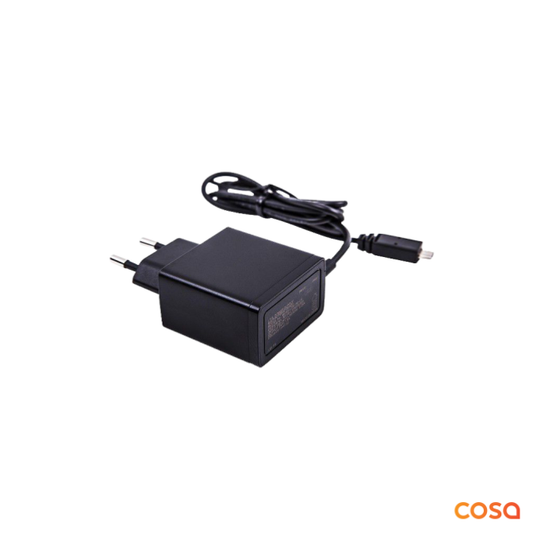
Cosa Akıllı Oda Termostatı v4 - Adaptör ve USB kablo seti (Type-B)
Regular price 949.00TLRegular priceUnit price per -
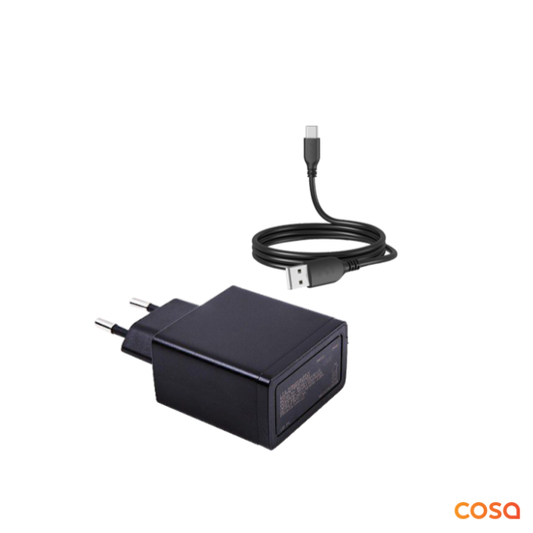
Cosa Akıllı Oda Termostatı v5 - Adaptör ve USB kablo seti (Type-C)
Regular price 949.00TLRegular priceUnit price per -
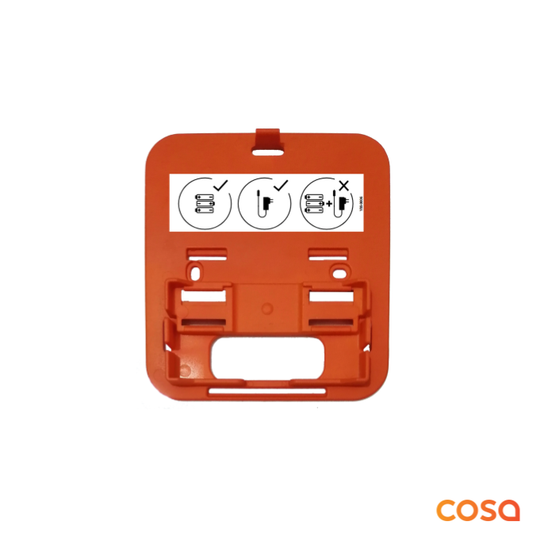
Cosa Akıllı Oda Termostatı v4 - Duvar Aparatı
Regular price 489.00TLRegular priceUnit price per -
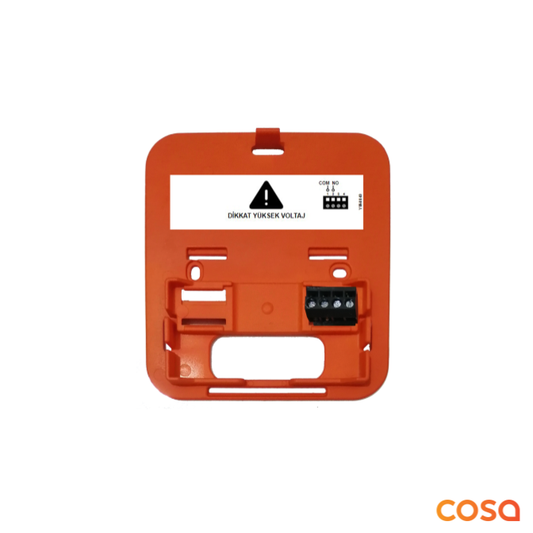
Cosa Kablosuz Kombi Kontrol Ünitesi v4 - Duvar Aparatı
Regular price 489.00TLRegular priceUnit price per